All pages
The live demo
The demo should show one person getting one useful thing out of your app, start to finish, in about a minute and a half.
Pick one path
Choose the single route through the app that shows the main feature, and practise only that. For a recipe app that reads a photo of your fridge, it might be:
- Open the app.
- Upload a photo of a fridge.
- Get three recipes.
- Open one.
Leave out settings pages, sign-up screens and anything half-built. If a feature isn’t on the path, don’t click near it.
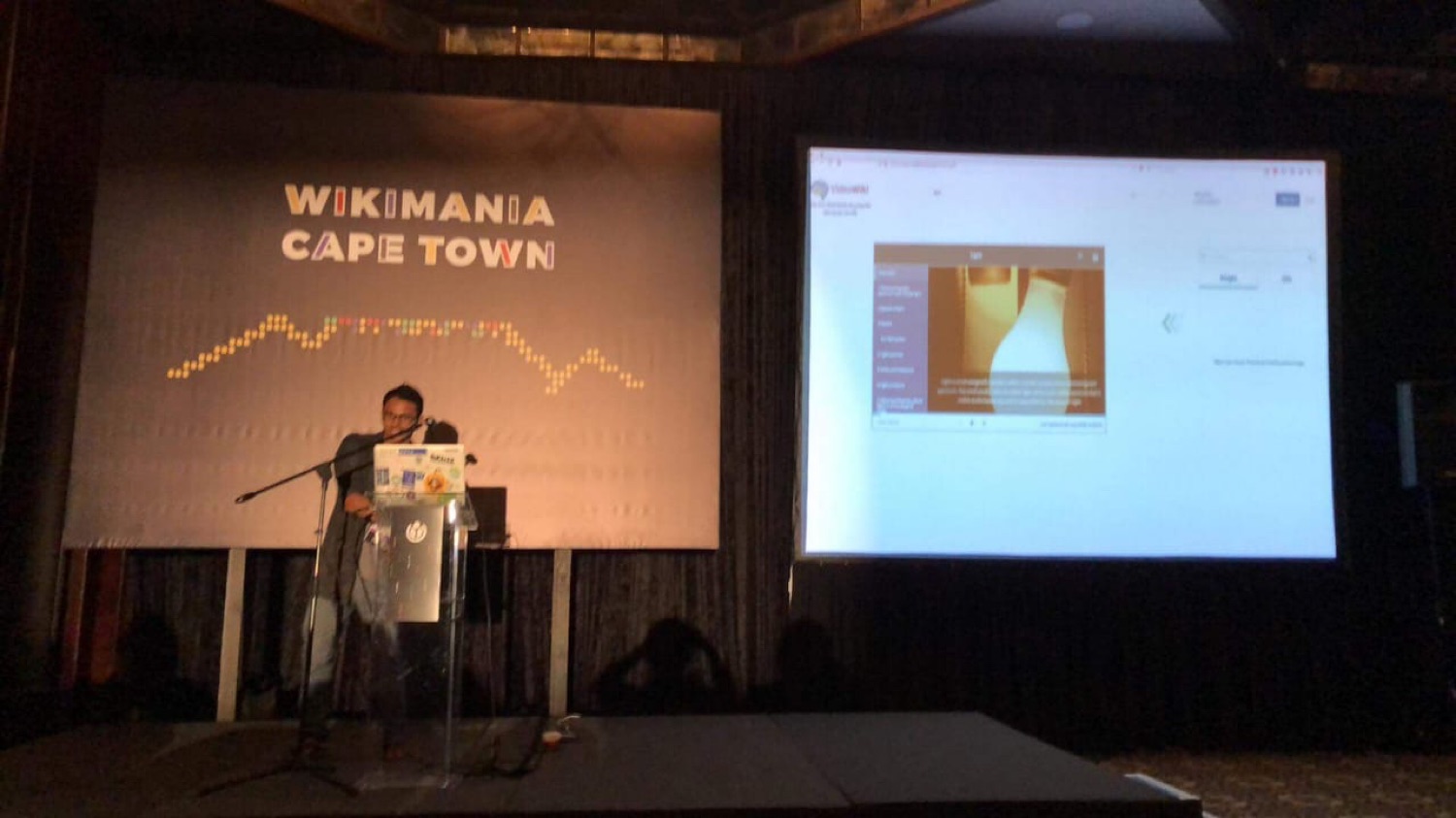 A demo at the Wikimania 2018 hackathon, Cape Town: slides on the left, the app on the right. Photo: Rogueassasin123, CC BY-SA 4.0.
Write the path down as numbered steps, with what you’ll say at each one. That’s your demo script. Whoever is driving the laptop should be able to do it without thinking.
Talk about the user
Describe what’s happening for the person using it: “She takes a photo of her fridge, and in a few seconds she has three things she can cook tonight.” Not: “This sends a POST request to our API, which calls the vision model.”
Save the technical part for the How it works slide, or for questions.
Demo data
The app should look like someone’s been using it, without your test entries showing.
- Reset the database before presenting. Delete
test,asdfand anything rude. - Seed realistic data: a few believable users, posts or records. Ask your AI agent to write a seed script (prompt).
- Pre-fill inputs. Have the text, file or photo ready so you aren’t typing on stage. Keep the file on the desktop with an obvious name.
- Log in beforehand with a demo account, so the first thing judges see isn’t a login form.
- If something is mocked (fake data where a real service would go), know which parts, and say so if asked.
Your laptop
Do all of this before your slot.
- Notifications off. Windows: Focus (Settings → System → Focus, or the bell in the taskbar). macOS: Do Not Disturb in Control Centre. Quit chat apps so nothing personal pops up.
- Close everything else. Only the app, the slides and the backup video should be open. Close other browser tabs, especially ones you’d rather not project.
- Zoom in. In the browser,
Ctrl++(Cmd++on a Mac) to about 125–150%. If you show a terminal or code editor, make the font much bigger than feels normal. - Use a clean browser profile or a private window, so bookmarks, autofill and extensions don’t show up.
- Plugged in to power. Some laptops slow down on battery.
- Mirror or extend. Mirroring shows the same thing on both screens, which is easier when switching between slides and the app. Windows:
Win+P. macOS: System Settings → Displays.
Tabs to have open, in order: slides, the live app, the backup video, and the app running on localhost in case the deployed one is down.
The internet
Venue Wi-Fi gets slow when hundreds of people use it, and presentations are when everyone does.
- Test the live URL on the venue Wi-Fi beforehand.
- Have a phone hotspot ready as a backup.
- If the app calls an AI API, the call might take longer on stage than in testing. Know how long it usually takes and have something to say while it loads, or show a cached result.
- Wake up any free-tier backends a few minutes before, since they sleep when unused.
The backup recording
Record the demo path working, once, as soon as it does. Keep the video downloaded on the laptop, not only on YouTube or Google Drive, because the internet is the thing most likely to fail. How to record is on the demo video page.
When it breaks
Demos break often enough that judges are used to it. What you do next is what they’ll remember.
- Don’t debug on stage. You won’t fix it in the time you have.
- Say what happened in one sentence: “The Wi-Fi’s dropped, so here’s a recording of the same thing.”
- Switch to the backup video, or the
localhostversion, and carry on from the same step. - Finish the pitch as planned.
If you’ve practised switching to the recording, this takes about five seconds.
Practise it
Run the demo from a reset state at least twice, on the laptop and screen setup you’ll use, with someone timing. Practise the failure too: once, pretend the app broke and switch to the video.
Next: The demo video.