All pages
1. Before the event
If a word in this guide is unfamiliar, check the glossary.
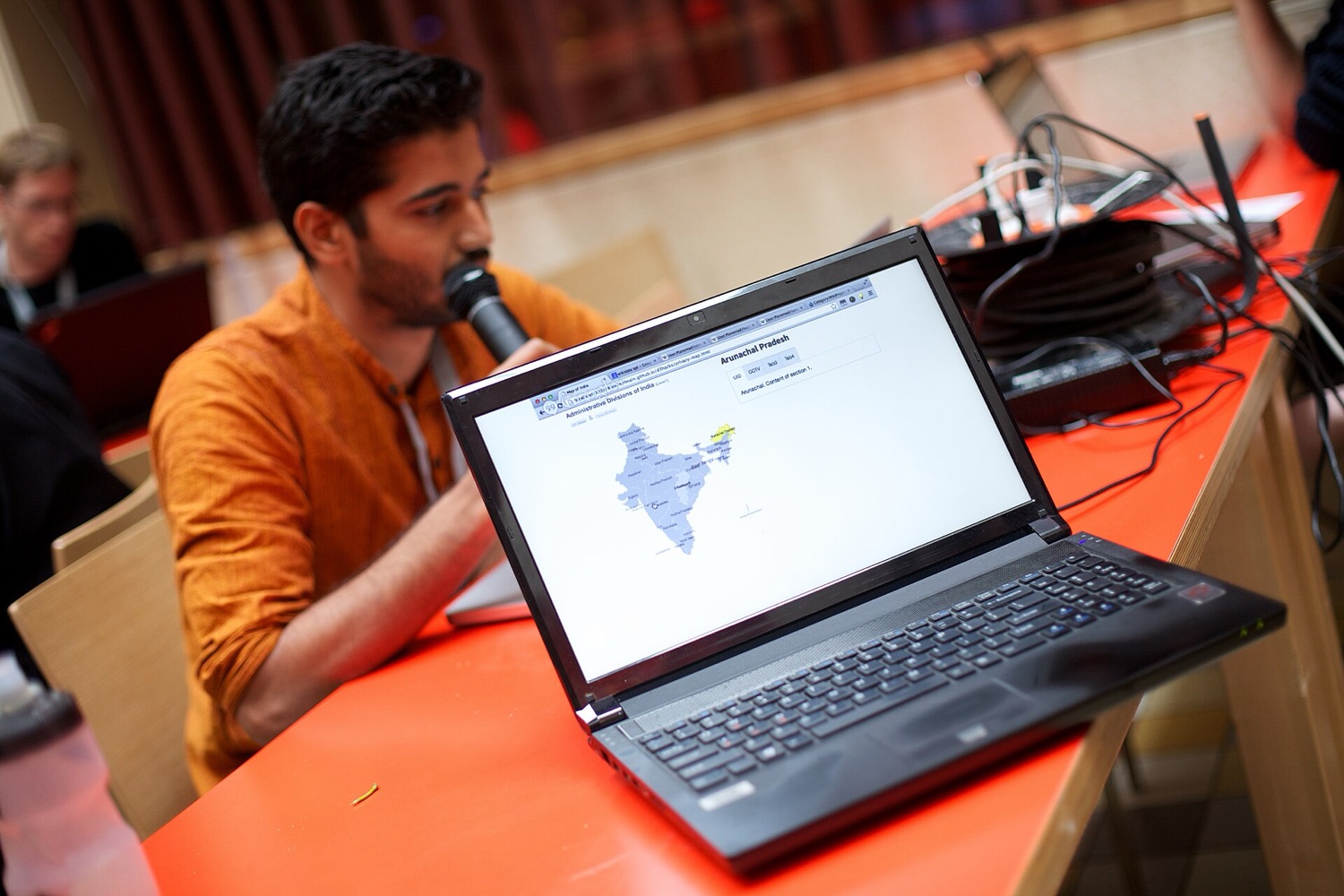 Wikimedia Hackathon, 2013. Photo: Sebastiaan ter Burg, CC BY-SA 2.0.
A week before
Set up your laptop while you still have time to fix problems.
- Follow the setup page for your OS: Windows, macOS or Linux.
- Open a new terminal and check that
git --version,node -vandpython --version(orpython3 --version) work. - Make a GitHub account and run
gh auth login. - Set your git name and email (
git config --global user.name/user.email). - Deploy a hello-world page to Vercel, Netlify or Cloudflare Pages and open it on your phone. If you’ve never deployed anything before, this is the most useful item on the list.
- Set up VS Code and an AI coding agent, and log in to the agent.
- Sign up for whatever the event uses: Devpost, Discord, Slack.
- If you’re a student, apply for the GitHub Student Developer Pack. Approval can take a few days. More in resources/free-stuff.md.
A couple of days before
- Read the event page: schedule, rules, judging criteria, prize tracks and the submission deadline. Submissions often close hours before judging.
- Check what a submission needs: repo link, video, Devpost entry, slides.
- Check whether any prize track requires a specific API or platform.
- Make a group chat with your team and pin the event page, the repo and the deadlines.
The night before
- Charge your laptop and pack the charger.
- Bring an extension cord, headphones, a water bottle and a jumper. Venues are often cold.
- Create the repo and add a README (template).
- Get a full night’s sleep.
A quick test
If you can make a new folder, push it to GitHub, run a dev server and deploy it to a public URL in a few minutes, your setup is fine.